





tool4seller accesses your Amazon reports in order to provide you with qualitative service. Every time a report is made available, Amazon reports this to you through their email notification system. If you want to stop receiving the emails, follow the directions below:
On your Seller Central go to Settings -> Notifications Preferences
Scroll down to the Reports section and click Edit in the top right hand corner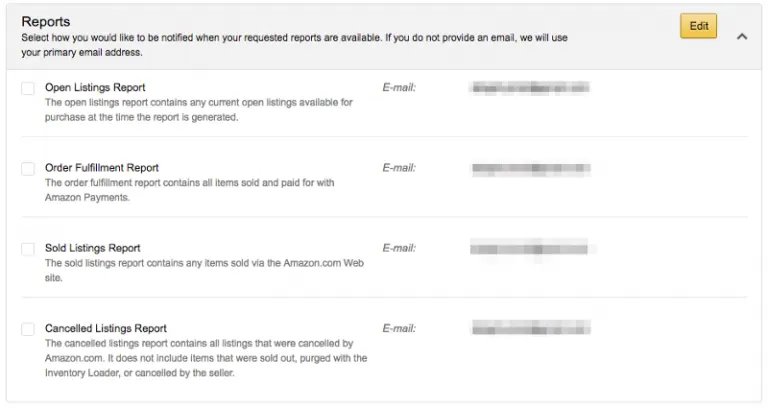
Remove the check box for Open Listings Report, as well as Order Fulfillment Report, Sold Listings Report, and Cancelled Listings Report.
NOTE: This will disable these options.
When you save this settings and wait a bit, you should stop getting those pesky emails. This is something Amazon did as a default, and since we have to run reports for our service to work, it will automatically default to send you emails. Disabling should take care of the issue.