
Less manual monitoring
Replace repeated daily checks with a tracked ASIN list and alert-driven monitoring.
Amazon Competitor Tracking
Keep track of any ASIN and know its changes over time. Tool4seller Competitor Tracking helps you monitor critical product listing changes and stay informed with mobile and PC alerts.
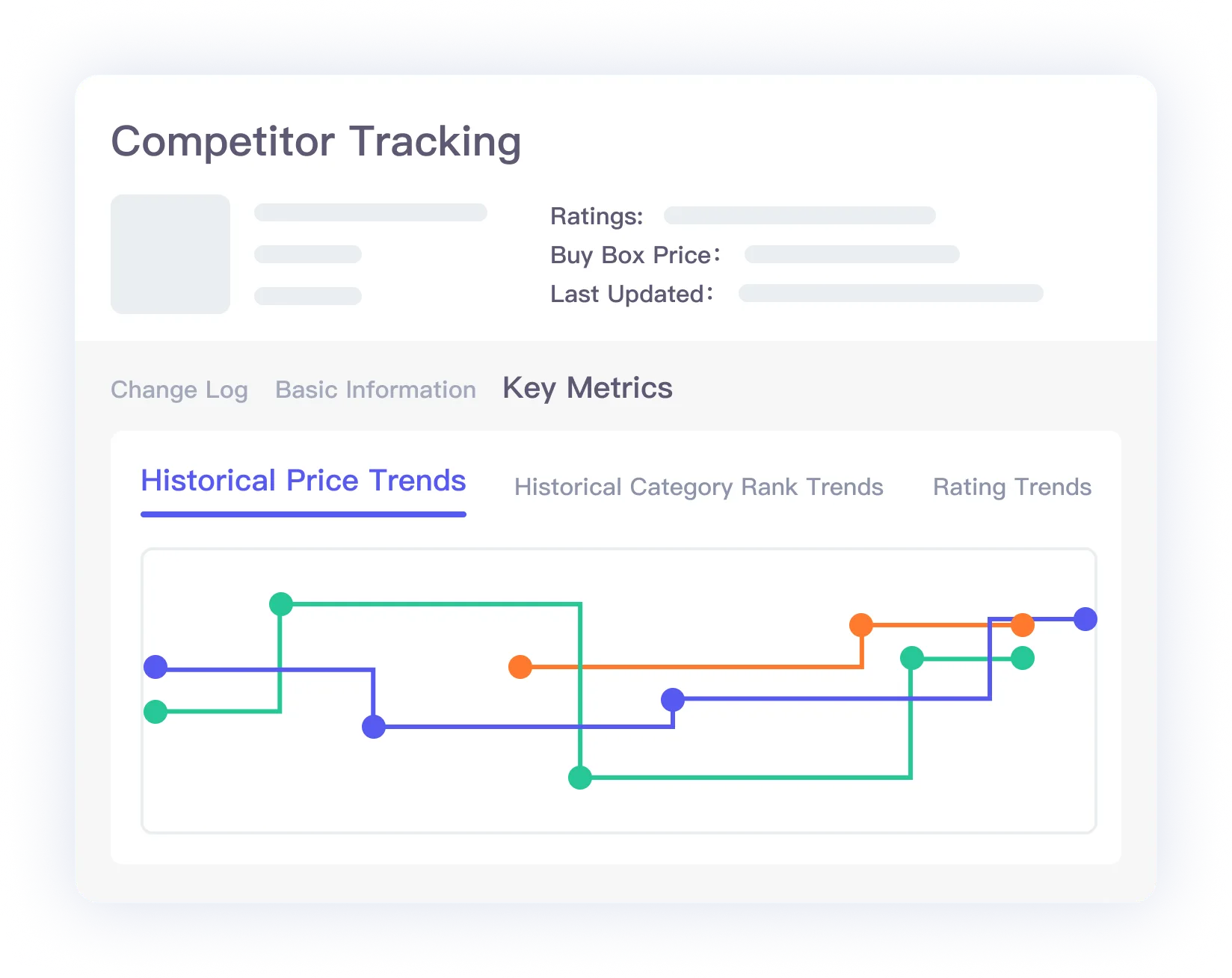
Competitor Tracking restores the old Tool4seller workflow for watching product changes over time. Add an ASIN to a tracking list, follow daily metric movement, and use historical context to understand how competitor actions affect sales, ranking, and listing performance.
The restored page keeps the original flow simple: search an ASIN, add it to tracking, then review daily changes and alerts from Tool4seller.
Monitor daily changes of product metrics
Search an ASIN and add it to your tracking list. Track and analyze how changes in Best Sellers Rank, historical prices, ranking, and lightning deals affect competitor sales signals.
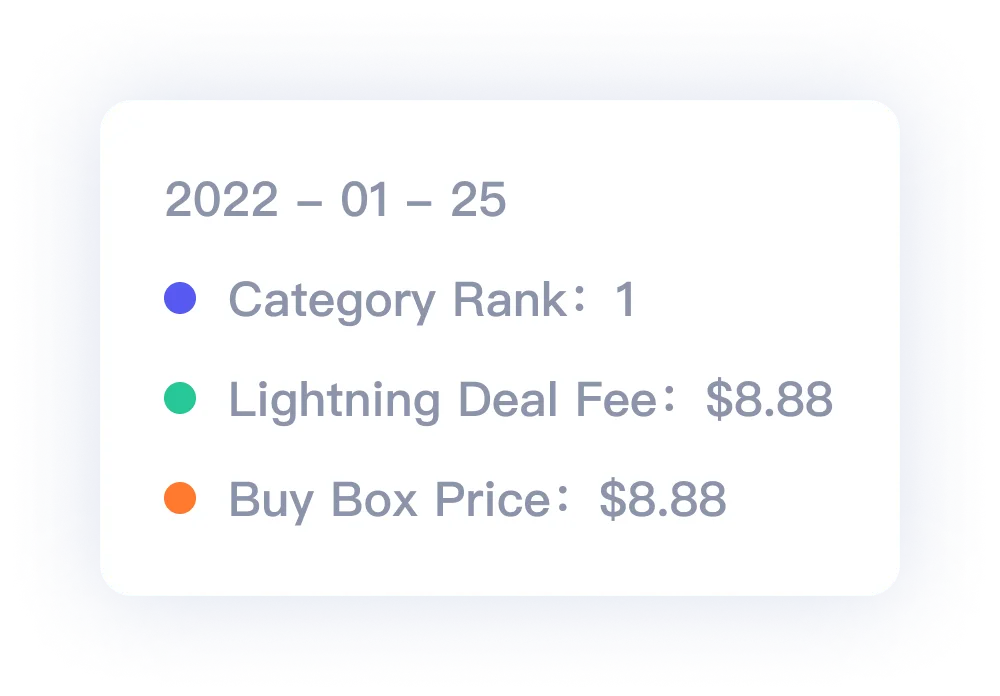
Stay updated with changes with your competitors
Competitor Tracking is available on both mobile and PC. Stay updated when a product changes pricing, listing status, or promotion activity so your team can respond faster.
Have competitors' historical data at a glance
Tool4seller helps you review product changes from the product's date first available. Use historical changes to understand competitor operation strategy and optimize your own products.

Track your competitors
Dive deeper into changes in pricing, titles, product main images, and more to understand the competitive landscape. Analyze competitors with Best Sellers Rank and use the findings to improve your own decisions.
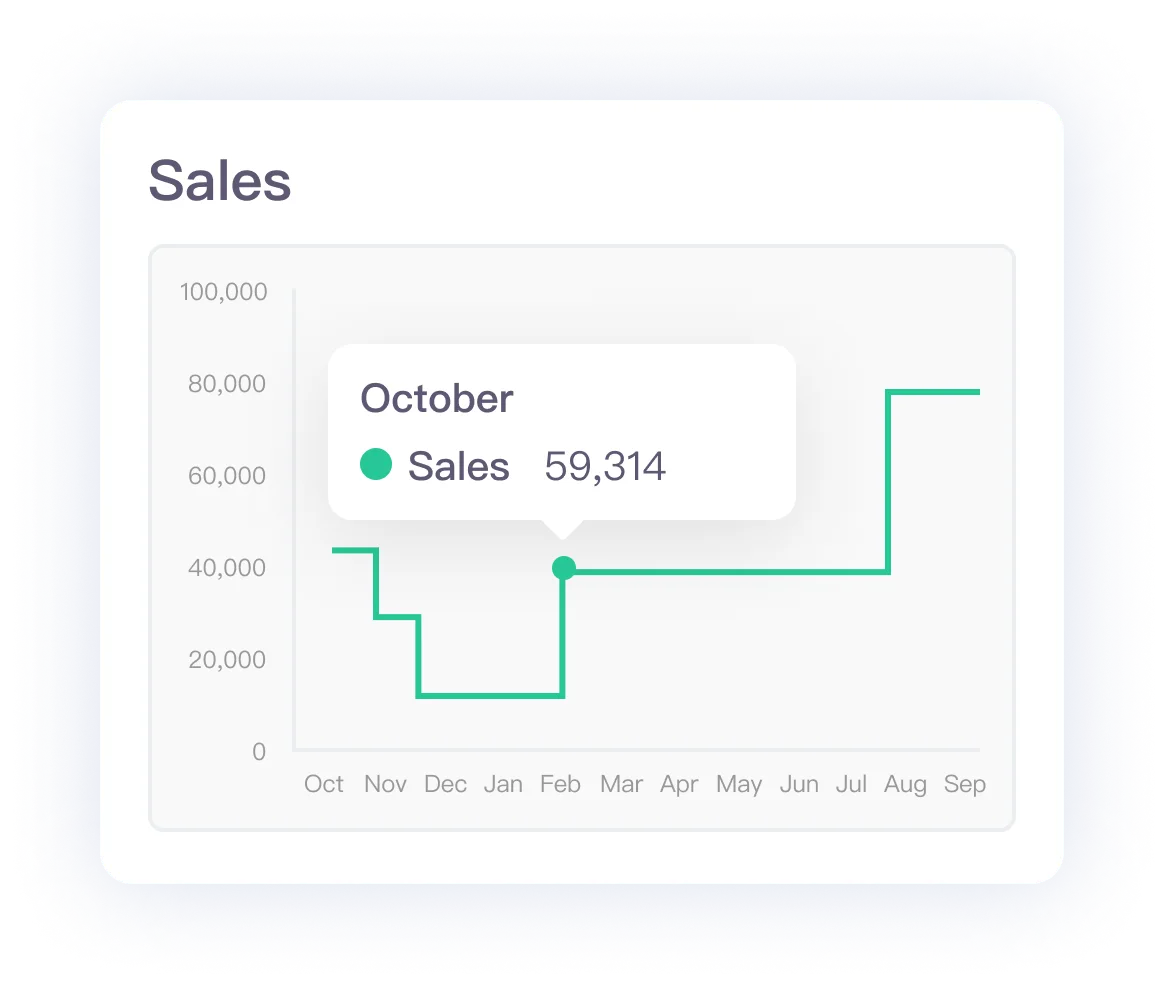
Competitor Tracking is a focused workflow inside the broader product research process. Use it after you identify ASINs worth watching, then connect the findings back to category validation, keyword research, and launch decisions.
Competitor Tracking works best when it is connected to product discovery, keyword research, and PPC planning. Use these routes when you need to move from watching competitors to acting on the findings.
Use the Product Research Tool to discover competing ASINs, validate demand, and uncover competitor keywords before adding products to tracking.
Back to Product Research →Use PPC optimization workflows when competitor price, promotion, or keyword movement changes how you should bid and allocate budget.
See PPC Optimization →Replace repeated daily checks with a tracked ASIN list and alert-driven monitoring.
Historical graphs make competitor moves easier to understand than isolated screenshots.
Connect competitor changes to product research, listing decisions, and PPC planning.
Track ASIN changes over time, receive alerts, and use historical competitor data to improve your own Amazon product decisions.